(Sections · Scroll)
Scroll sections
Vale's scroll-interactive sections are slow and deliberate: light switching on, frames opening, words brightening. They use CSS scroll-driven animations where the browser supports them, with a small fallback that only runs while the section is on screen.
Every scroll section has Animate on scroll (on/off) and Intensity. With "Animate on scroll" off, with reduced motion turned on in the visitor's system, without JavaScript and inside the theme editor, the section shows its final state: still, complete and readable. Pinned sections use sticky positioning, so nothing jumps.
- 01Scroll: room lights up
- 02Scroll: expanding image
- 03Scroll: sideways gallery
- 04Scroll: stacking cards
- 05Scroll: words light up
- 06Scroll: image in a word
- 07Scroll: drawn timeline
- 08Scroll: drifting images
- 09Scroll: image into focus
- 10Scroll: moving text lines
- 11Scrolling product story
- 12Scroll: maker panels
- 13Scroll: curtain reveal
- 14Scroll: developing photos
- 15Scroll: settling headline
- 16Scroll: split screen
- 17Scroll: numbered chapters
Scroll: room lights up
01 · lights-on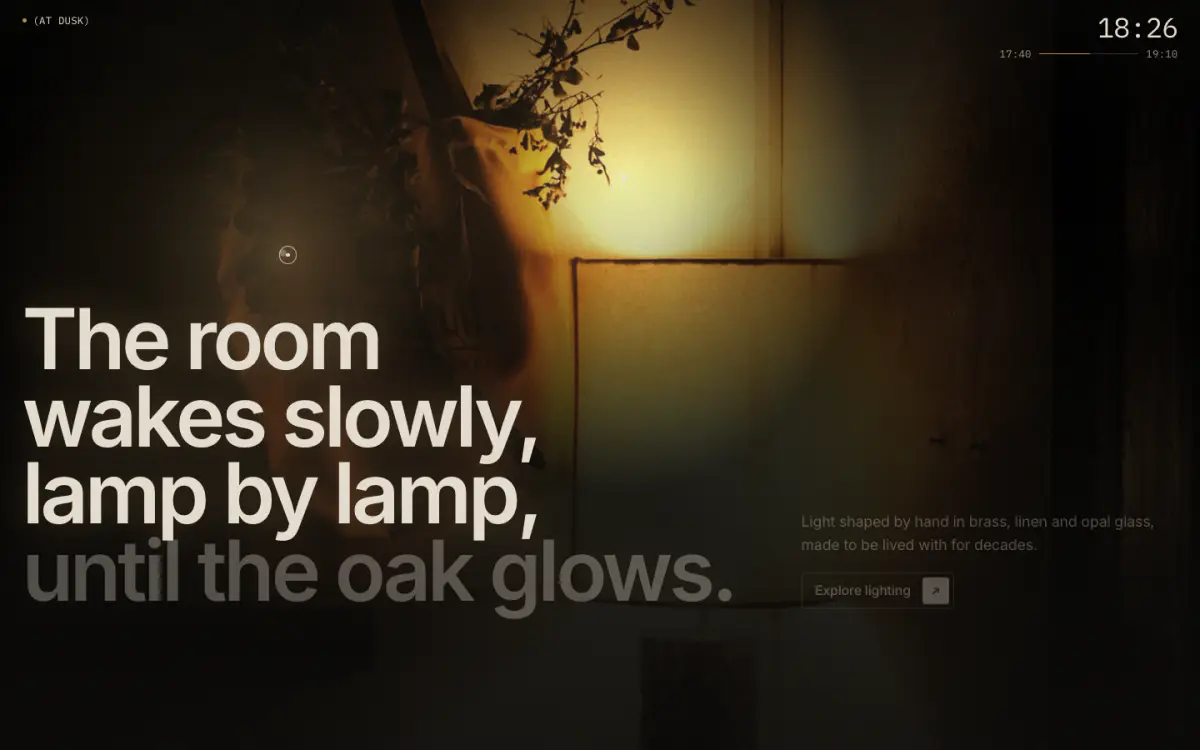
The evening moment. The section pins for a short run of scroll: the room starts near-black, warm lamp pools bloom one after another at the points you place (lamp blocks, like hotspots), the headline lights in step and a mono readout ticks from 17:40 to 19:10. Optionally it ends with the lamp products.
Tip: Place each lamp with its horizontal and vertical position, and link a product to list it at the end.
Key settings
- Image
- Eyebrow label
- Show bronze dot
- Heading
- Text
- Button label
- Button link
- ReadoutTime of day · Light level (lux) · None
- Start time
- End time
- Show lamp products at the end
- Products label
- Show quick add
- HeightTall · Full screen
- Text positionBottom · Center
- Text backdrop strength
- Animate on scroll
- Scroll lengthShort · Medium · Long
- Intensity
Blocks (1)
- Lamp
- Horizontal position, Vertical position, Pool size, Product, Label
Scroll: expanding image
02 · frame-expand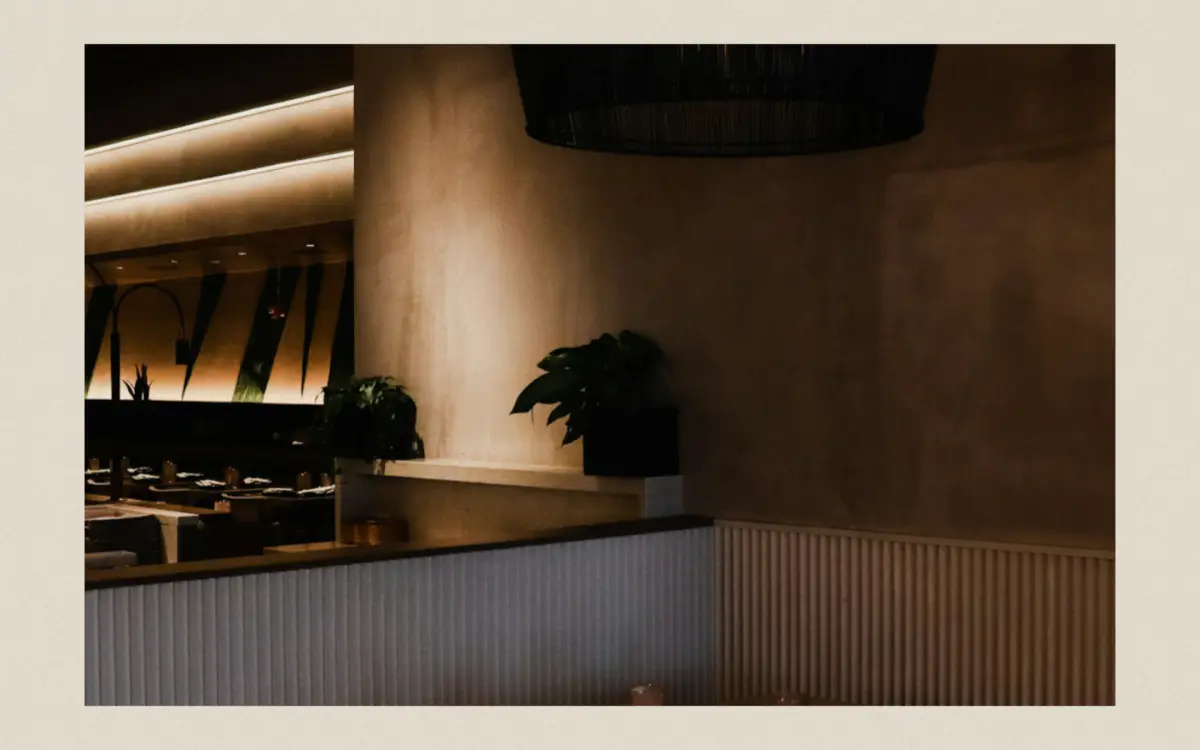
A small framed image in the middle of the page opens to full bleed as you scroll; the caption fades in last.
Key settings
- Eyebrow label
- Heading
- Side note
- Image
- Caption
- Credit
- Animate on scroll
- Intensity
Scroll: sideways gallery
03 · horizontal-gallery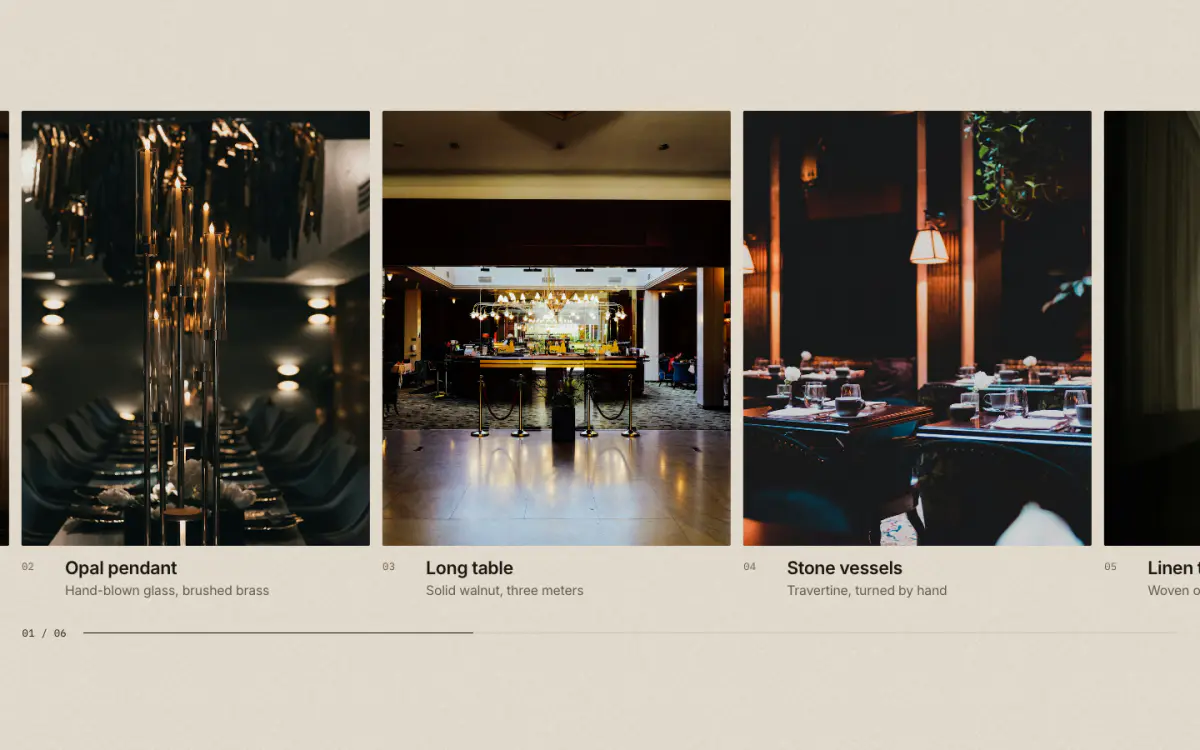
The section pins and vertical scroll carries a row of large plates sideways, with a "03 / 08" counter and a progress hairline. Below 768px it becomes a swipe row.
Key settings
- Eyebrow label
- Heading
- Side note
- Image shapePortrait (4:5) · Square · Landscape (4:3)
- Animate on scroll
- Intensity
Blocks (1)
- Plate
- Image, Heading, Caption, Link label, Link
Scroll: stacking cards
04 · stacked-plates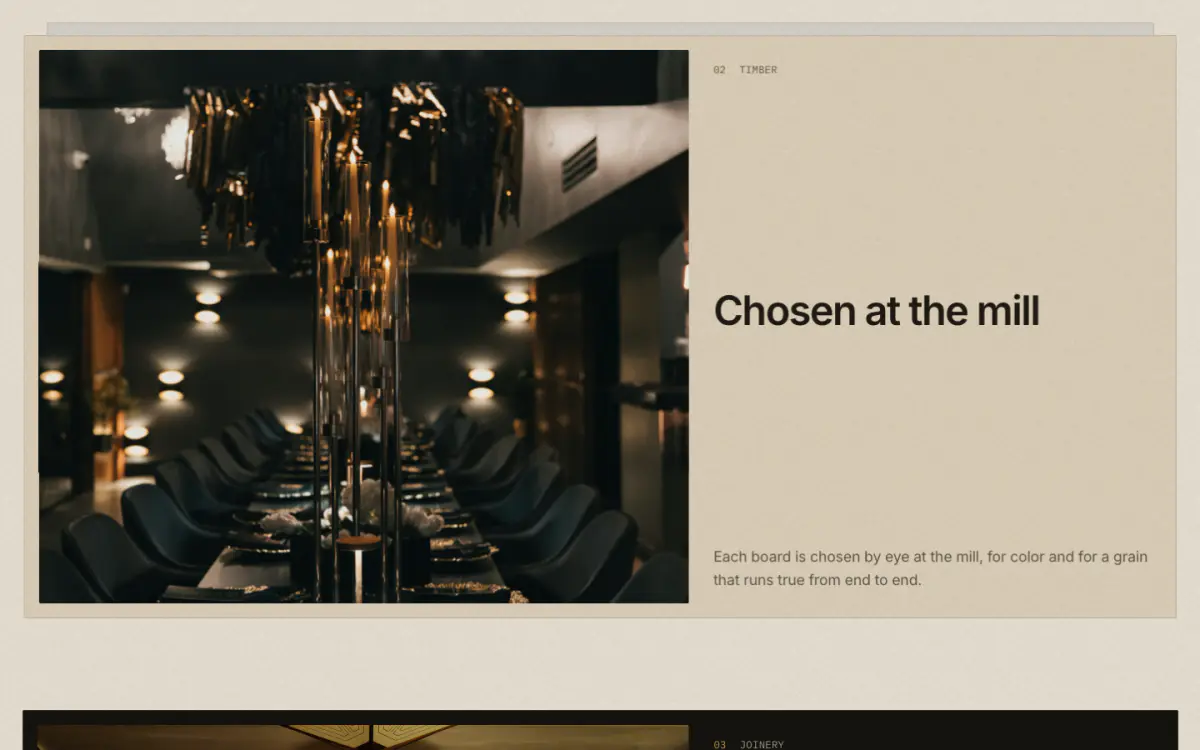
Chapter cards pin and stack over one another; each settles back slightly as the next slides over it.
Key settings
- Eyebrow label
- Heading
- Side note
- Animate on scroll
- Intensity
Blocks (1)
- Card
- Image, Label, Heading, Text, Link label, Link
Scroll: words light up
05 · kinetic-manifesto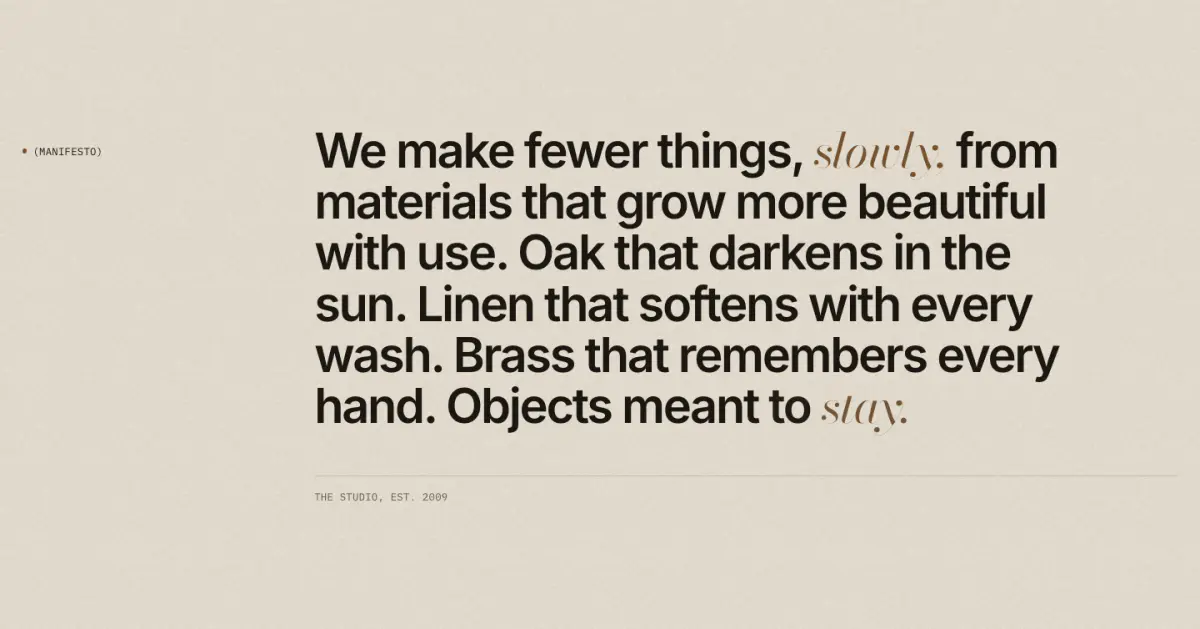
A large manifesto whose words brighten from muted to ink as a reading line passes them.
Tip: Wrap words in *asterisks* to set them in the serif italic.
Key settings
- Eyebrow label
- Show bronze dot
- Text
- Signature
- Link label
- Link
- Text sizeLarge · Medium
- Animate on scroll
- Intensity
Scroll: image in a word
06 · text-mask
A giant word with a photograph or a muted looping video inside its letters. It starts enormous and settles to its natural size; the caption arrives last.
Key settings
- Word
- Image
- Video
- Eyebrow label
- Caption
- Button label
- Button link
- Animate on scroll
- Intensity
- Zoom focus
Scroll: drawn timeline
07 · drawn-line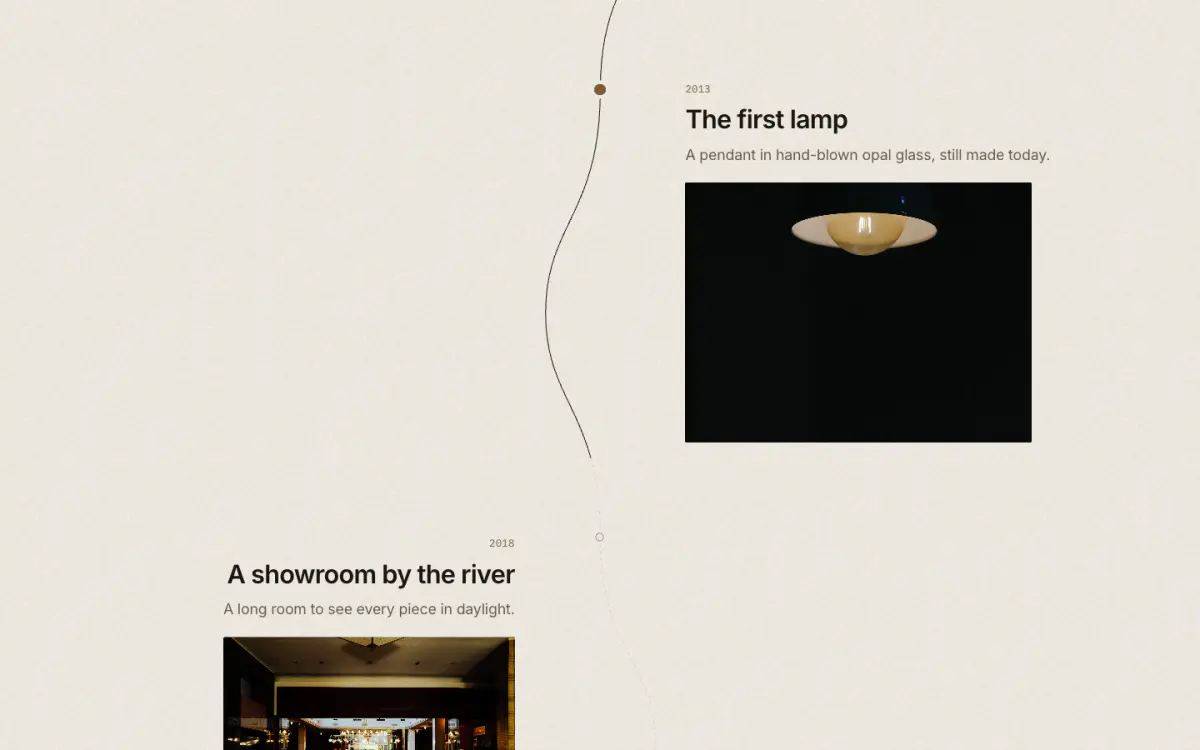
A hairline route draws itself down the page, meandering from point to point (years, places, chapters). Each point lights when the line reaches it.
Key settings
- Eyebrow label
- Heading
- Side note
- Animate on scroll
- Intensity
Blocks (1)
- Point
- Label, Heading, Text, Image
Scroll: drifting images
08 · parallax-diptych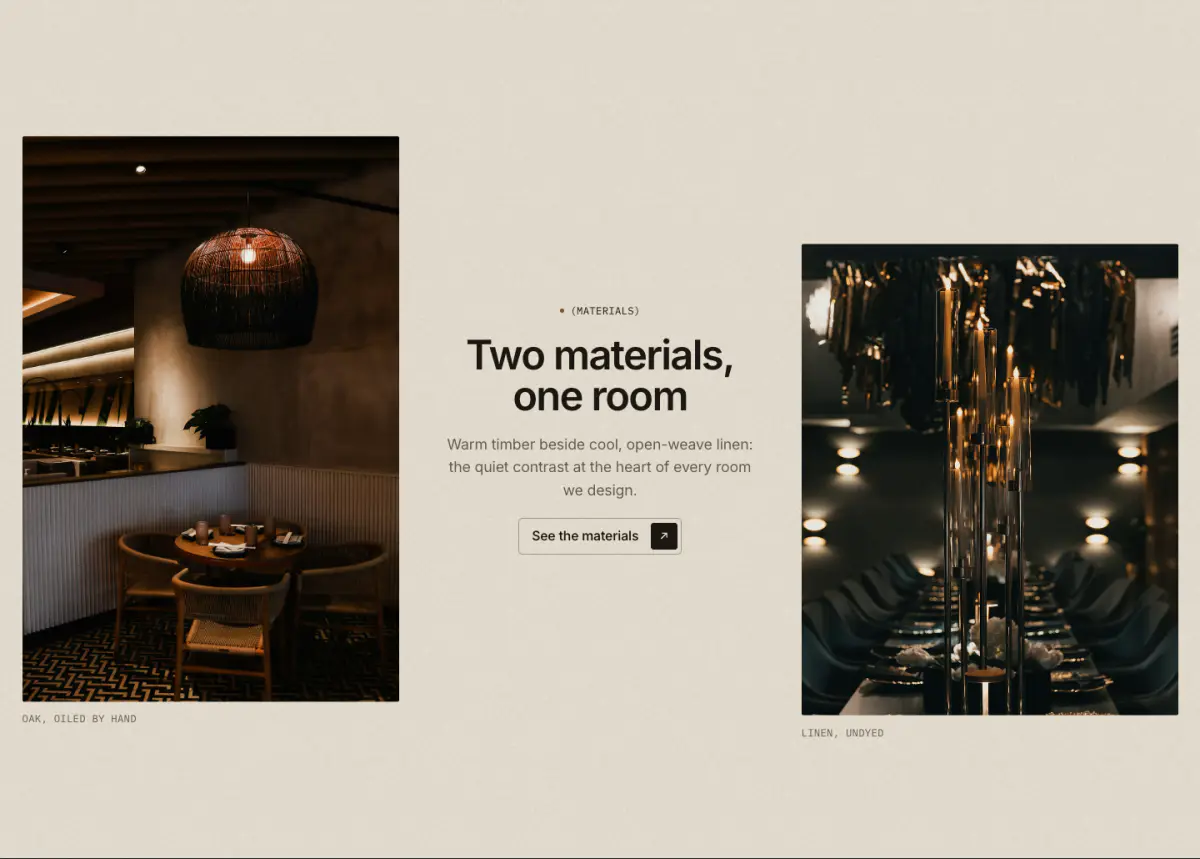
Two photographs drifting at slightly different rates with text set between them.
Key settings
- First image
- First caption
- Second image
- Second caption
- Eyebrow label
- Heading
- Text
- Button label
- Button link
- Swap image sides
- Animate on scroll
- Intensity
Scroll: image into focus
09 · focus-pull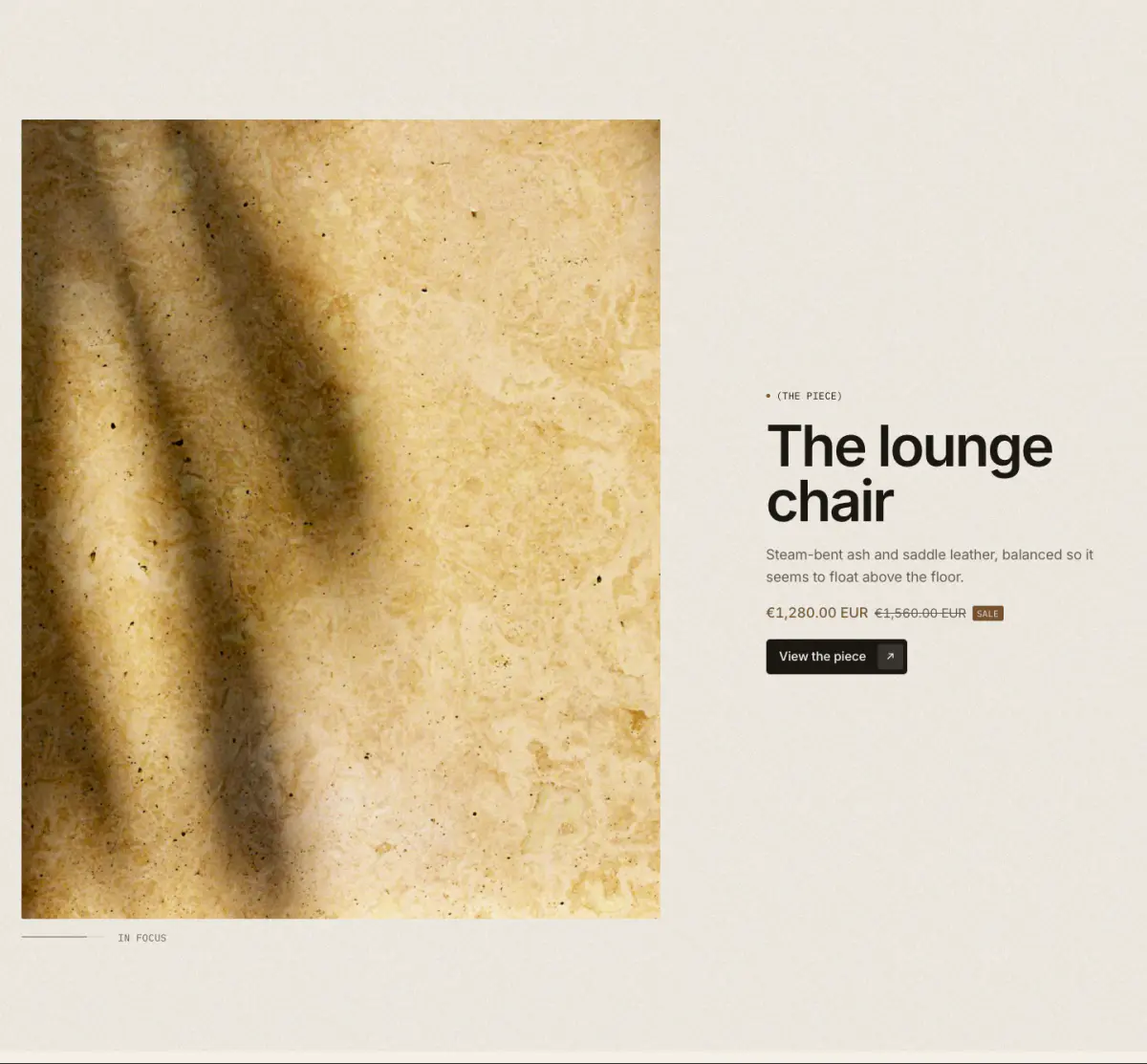
A photograph comes from a soft blur into focus as it reaches the centre of the screen, with a hairline "focus scale". Good for a product hero moment; it can show a product and its price.
Key settings
- Product
- Show product price
- Image
- Caption
- Eyebrow label
- Heading
- Text
- Button label
- Button link
- LayoutImage and text side by side · Wide image, text below
- Animate on scroll
- Intensity
Scroll: moving text lines
10 · scroll-marquee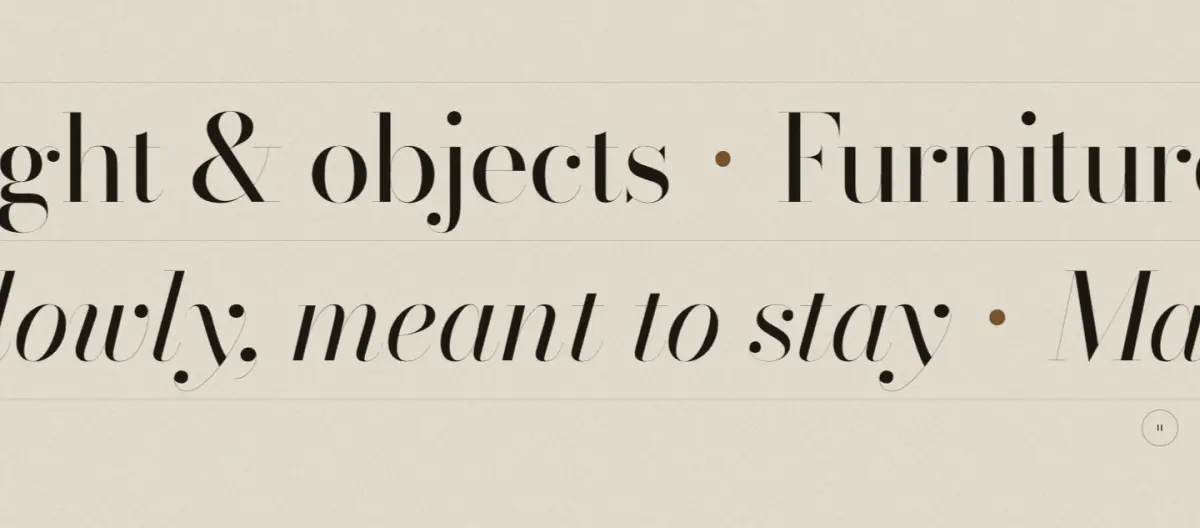
Slow serif lines that drift on their own and follow the scroll: down and they travel their way, up and they come back.
Key settings
- SeparatorBronze dot · Dash · Slash · None
- Text sizeLarge · Medium
- Show hairlines between lines
- Animate on scroll
- Intensity
- Drift speed
Blocks (1)
- Line
- Text, Type style, Direction
Scrolling product story
11 · sticky-product-story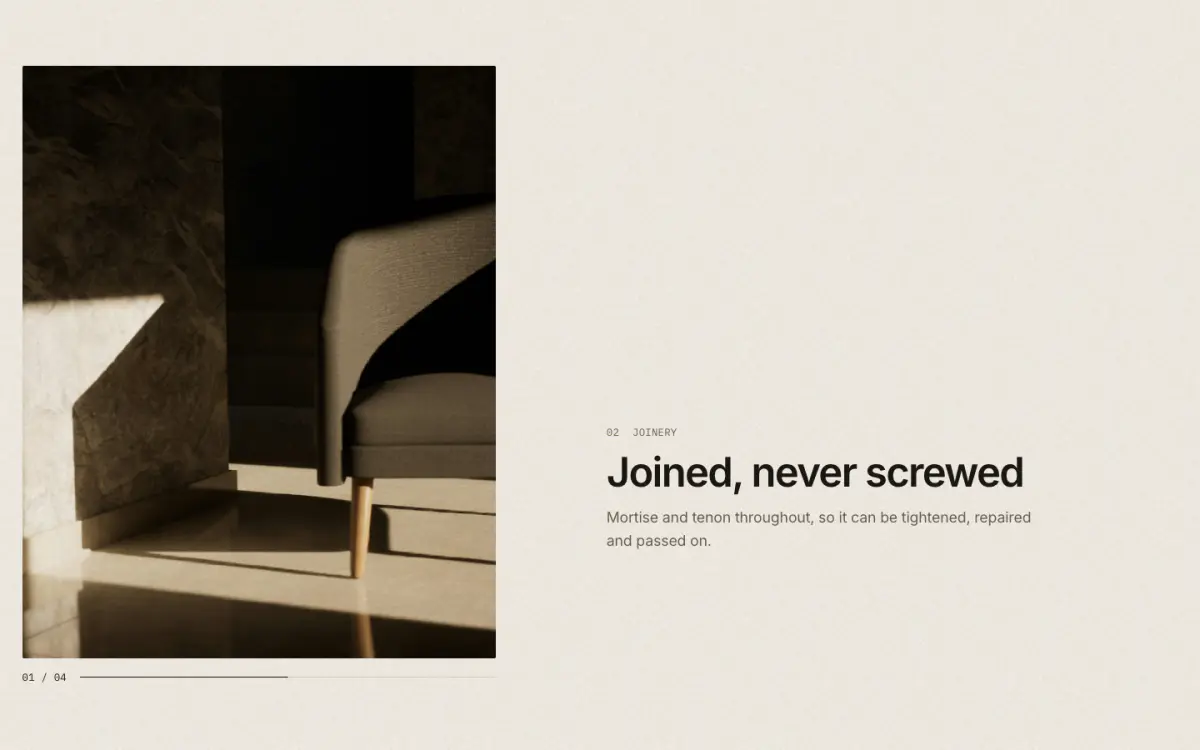
A product photograph stays pinned while feature steps scroll past; the photograph changes per step and the story ends on the product form (variant, price, add to cart).
Key settings
- Product
- Eyebrow label
- Heading
- Label above the product
- Show dynamic checkout buttons
- Animate on scroll
- Intensity
Blocks (1)
- Step
- Image, Label, Heading, Text
Scroll: maker panels
12 · route-stack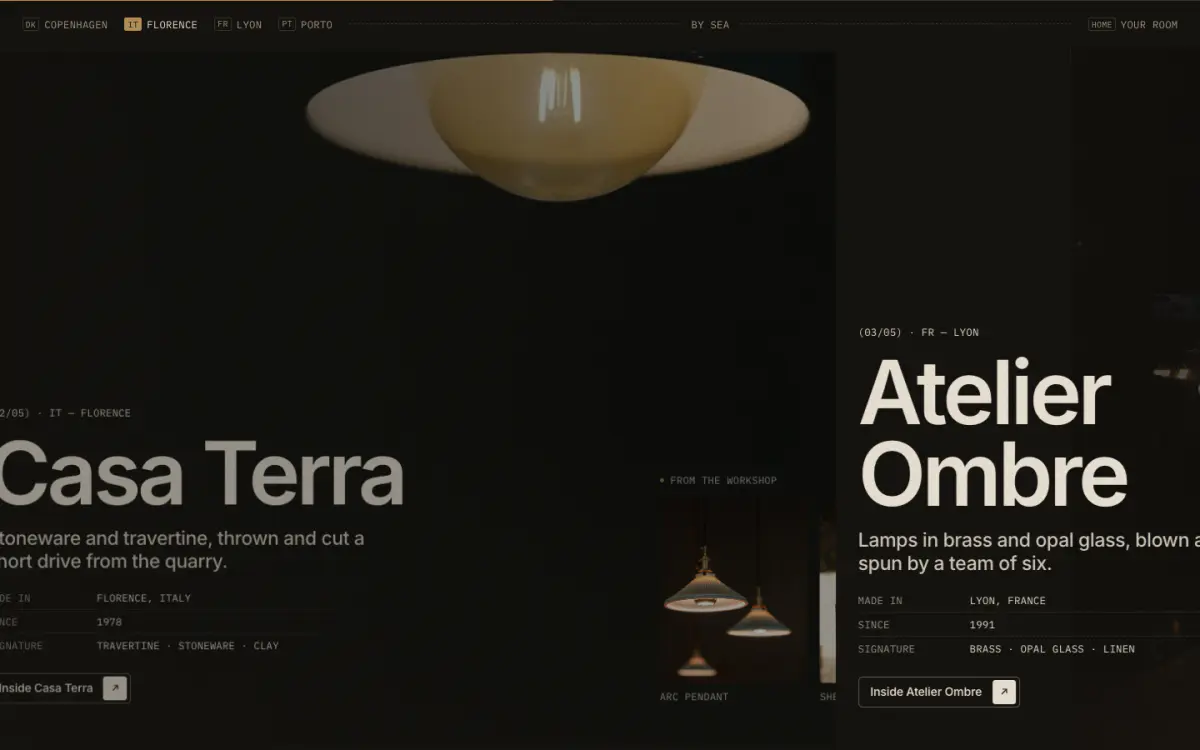
The route from each workshop to one destination: a row of place chips, then one large panel per stop (maker, place, text, spec rows, products, link), ending in a destination panel.
Tip: Each stop can list products or a collection. If you set a link label, also set the link.
Key settings
- Eyebrow label
- Heading
- Route note
- Divider before the destination
- Animate on scroll
- Panel entranceSlide in from the side · Rise from below
- Scroll length per stop
- Intensity
Blocks (2)
- Stop
- Heading, Place, Place code, Image, Text, Row N label, Row N value, Show products, Products label, Products, Collection, Link label, Link
- Destination
- Heading, Heading, italic part, Place, Place code, Text, Show image, Image, Caption, Link label, Link
Scroll: curtain reveal
13 · curtain-wipe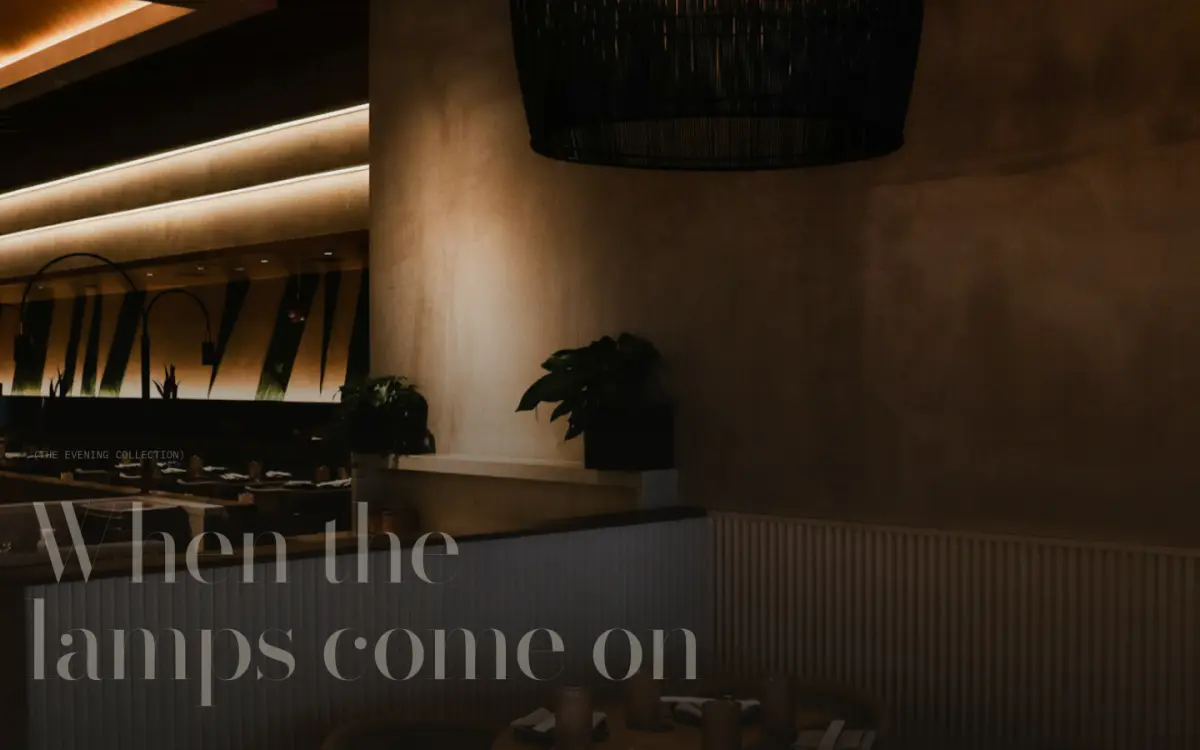
A scene change: the section arrives as a plain curtain (a title card), pins, and the curtain lifts like a blind or parts like a theatre curtain onto a full-bleed photograph.
Key settings
- Image
- Eyebrow label
- Heading
- Text
- Button label
- Button link
- Text positionBottom · Center
- OpeningLifts like a blind · Parts in the middle
- Curtain color scheme
- Curtain label
- Curtain title
- Animate on scroll
- Intensity
Scroll: developing photos
14 · develop-sequence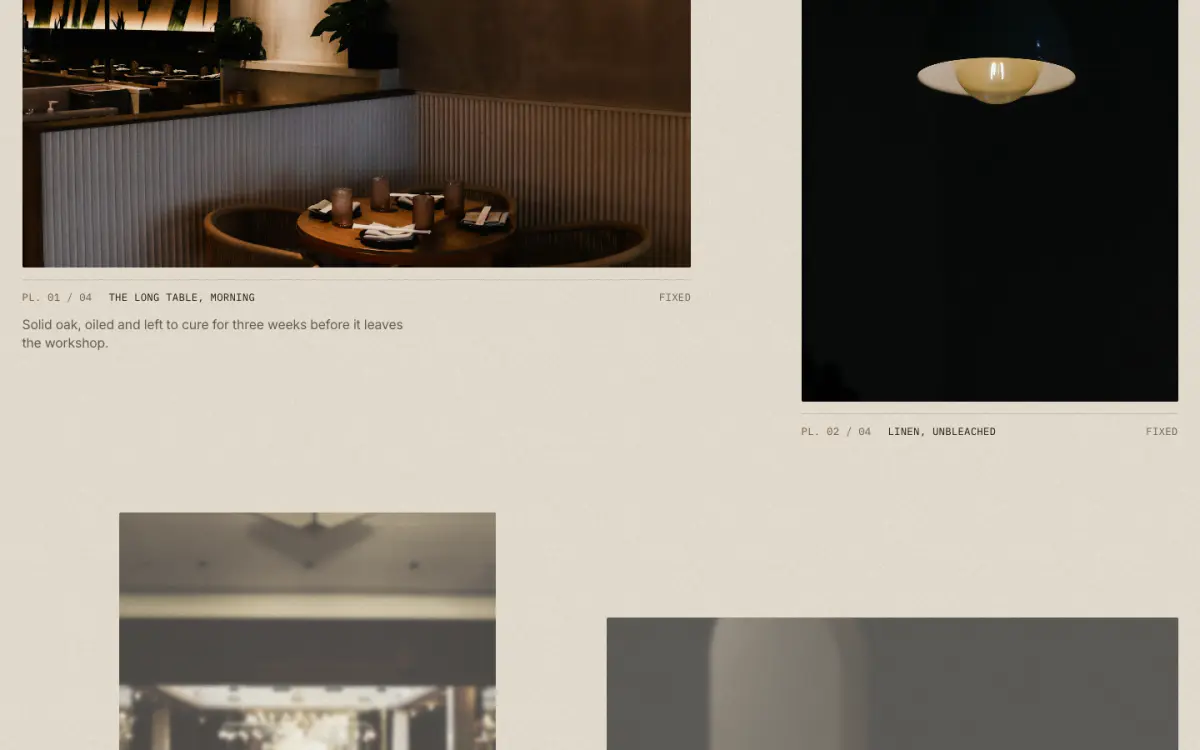
Plates that "develop" like photographs in a tray: washed out and warm at first, coming up to full exposure as they reach the middle of the screen. A caption reads "Developing" until the picture is fixed.
Key settings
- Eyebrow label
- Heading
- Side note
- Image shapeMixed (landscape and portrait) · Portrait (4:5) · Square · Landscape (4:3)
- Show "Developing / Fixed" label
- Animate on scroll
- Intensity
Blocks (1)
- Plate
- Image, Caption, Text, Link
Scroll: settling headline
15 · headline-settle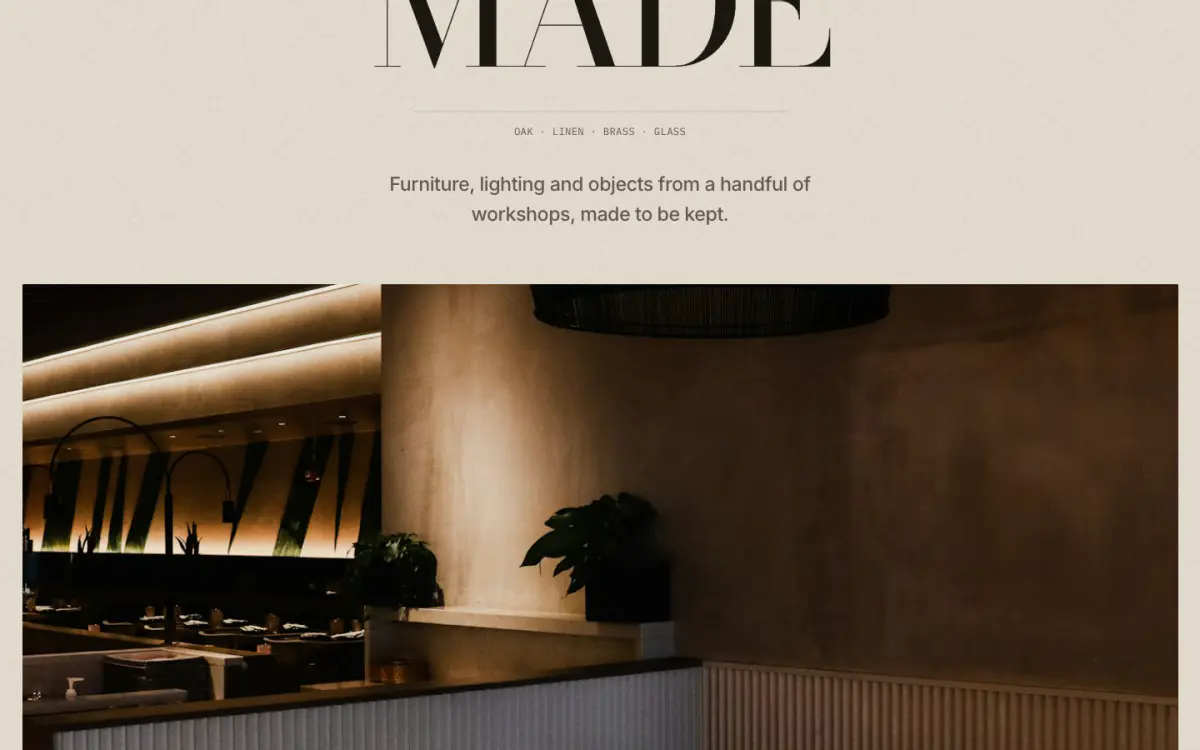
A large headline arrives widely spaced and pale, and draws its letters together into tight display tracking as it settles.
Key settings
- Eyebrow label
- Heading
- Meta line
- Text
- Button label
- Button link
- Image
- Type styleSerif capitals · Serif italic · Grotesk
- AlignmentCenter · Left
- Animate on scroll
- Intensity
Scroll: split screen
16 · split-reveal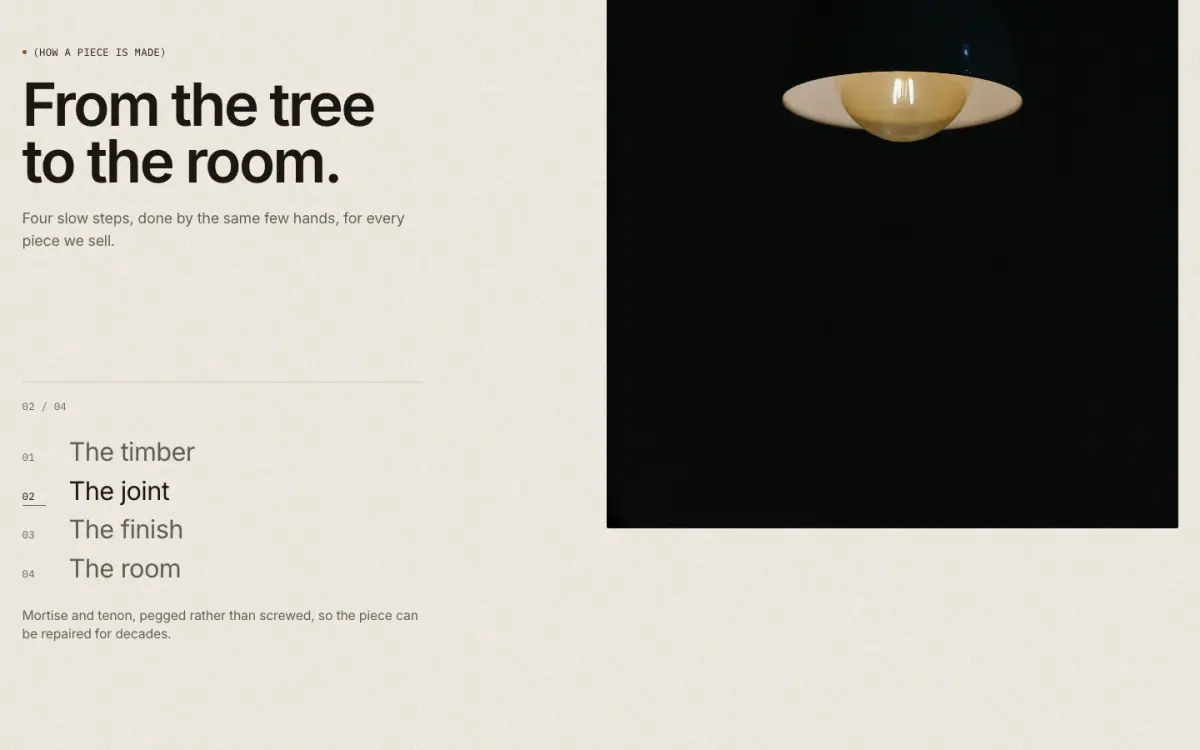
A split screen: the text column pins while photographs scroll past, each opening from the bottom edge. The step in view is lit in the pinned index.
Key settings
- Eyebrow label
- Heading
- Text
- Button label
- Button link
- Text columnLeft · Right
- Animate on scroll
- Intensity
Blocks (1)
- Step
- Image, Heading, Text
Scroll: numbered chapters
17 · chapter-counter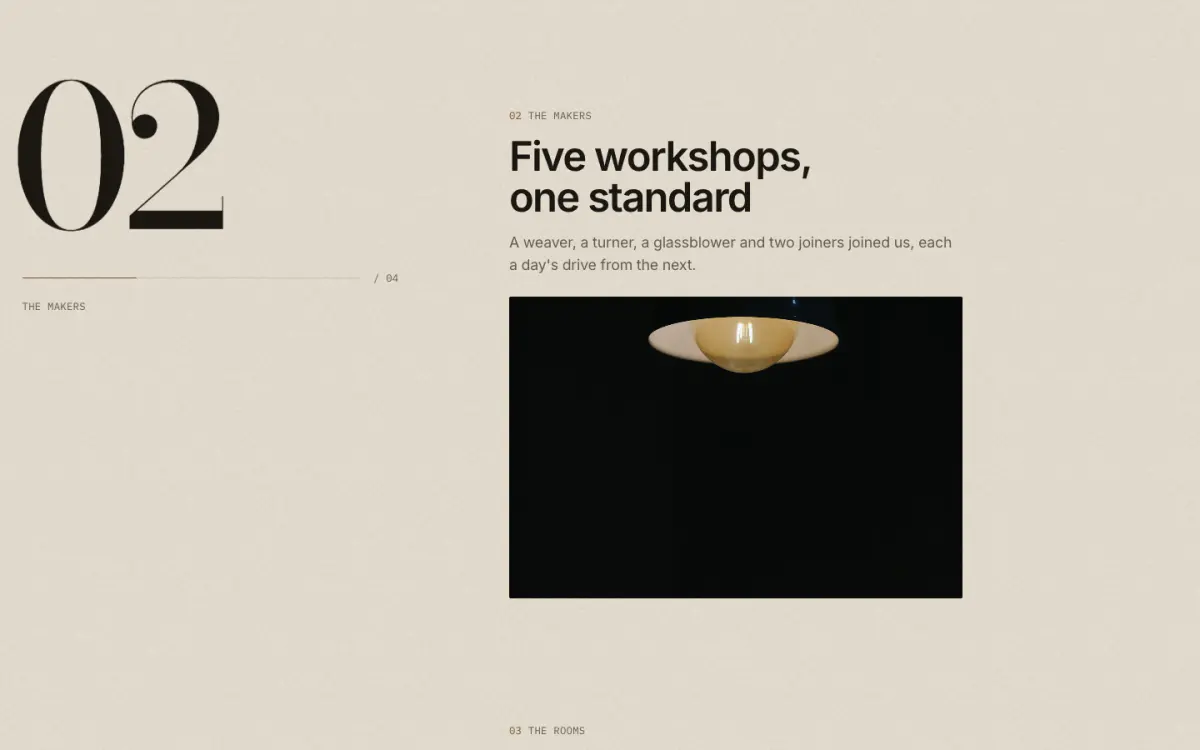
A giant serif chapter number stays pinned beside the story and rolls over (01, 02, 03) as each chapter reaches the middle of the screen, with a hairline that fills as you read.
Key settings
- Eyebrow label
- Heading
- Animate on scroll
- Intensity
Blocks (1)
- Chapter
- Chapter label, Heading, Text, Image, Link label, Link